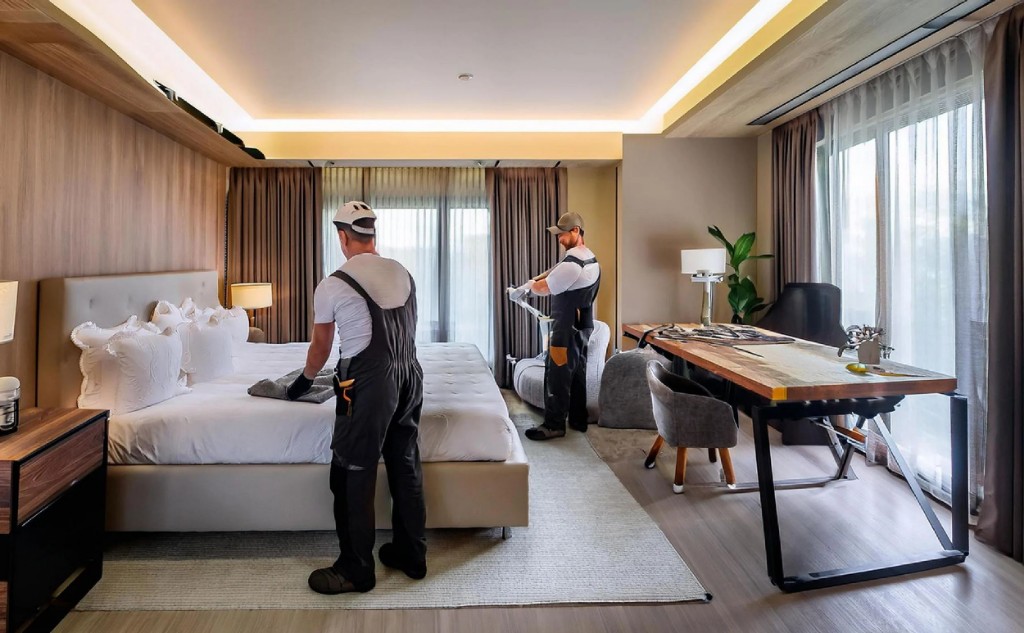
Maintenance Module

Room Maintenance Features

Manage maintenance requests, work orders, room inspections, preventive tasks, room blocking, costs, vendors, and staff performance for hotel and PG properties.

Room Maintenance dashboard screenshot

Module Overview

Room Maintenance Operations

Dreamlite Room Maintenance connects guest and tenant complaints, technician assignments, issue categories, proof uploads, approvals, downtime tracking, and billing handoff so rooms return to service faster with full accountability.

Best For

Room Maintenance is designed for teams that need reliable cloud operations, controlled access, business reports, and a connected SaaS ERP workflow.

Room Maintenance Operations

Key workflows included in the Room Maintenance module.

Dashboard feature image

Dashboard

Operations snapshot for maintenance teams and managers.

  • Pending complaints
  • In-progress work
  • Completed tasks
  • High priority issues
  • Room-wise status
Maintenance requests feature image

Maintenance requests

Log and track issues reported by guests, tenants, or staff.

  • Add request
  • Request list
  • Guest complaint
  • Tenant complaint
  • Staff reported issue
Room inspection feature image

Room inspection

Inspect rooms on schedule or during move-in and checkout.

  • Daily inspection
  • Checkout inspection
  • Move-in inspection
  • Damage checklist
Work orders feature image

Work orders

Convert requests into actionable jobs with priority.

  • Create work order
  • Assign staff
  • Work order list
  • Priority wise jobs
Task assignment feature image

Task assignment

Assign and reassign technicians or housekeeping with workload visibility.

  • Assign technician
  • Assign housekeeping
  • Reassign task
  • Staff workload
Issue categories feature image

Issue categories

Classify maintenance by type for routing and reporting.

  • Electrical
  • Plumbing
  • AC
  • Furniture
  • Cleaning
  • Pest control
  • Internet/WiFi
Maintenance status feature image

Maintenance status

Track job lifecycle from open to complete.

  • Pending
  • Assigned
  • In progress
  • On hold
  • Completed
  • Cancelled
Preventive maintenance feature image

Preventive maintenance

Schedule recurring property upkeep tasks.

  • Scheduled maintenance
  • AC service
  • Water tank cleaning
  • Pest control
  • Fire safety check
Room blocking feature image

Room blocking

Block rooms during repair and release when ready.

  • Block room for maintenance
  • Release room
  • Maintenance calendar
Material / spare parts feature image

Material / spare parts

Track parts used and stock impact per job.

  • Material request
  • Spare parts used
  • Stock deduction
  • Purchase request
Cost tracking feature image

Cost tracking

Capture labour, material, vendor, and room-wise repair cost.

  • Repair cost
  • Labour cost
  • Material cost
  • Vendor cost
  • Room-wise expense
Vendor management feature image

Vendor management

Manage external contractors and their bills.

  • Vendor list
  • Assign vendor
  • Vendor bill
  • Vendor payment status
Proof uploads feature image

Proof uploads

Document work with photos and service records.

  • Before photo
  • After photo
  • Invoice upload
  • Service report upload
Approvals feature image

Approvals

Require sign-off before cost, vendor work, or room release.

  • Maintenance approval
  • Cost approval
  • Vendor approval
  • Room release approval
Reports feature image

Reports

Analyze maintenance workload, downtime, and spend.

  • Pending report
  • Completed report
  • Room downtime report
  • Staff performance
  • Maintenance cost report
Settings feature image

Settings

Configure categories, priorities, and checklists.

  • Issue categories
  • Priority levels
  • Checklist setup
  • Maintenance terms
Priority management feature image

Priority management

Mark issues as low, medium, high, or urgent for faster triage.

Room downtime tracking feature image

Room downtime tracking

Measure how long a room stays unavailable due to maintenance.

Before / after photo upload feature image

Before / after photo upload

Upload proof before starting and after completing repair.

Maintenance timeline feature image

Maintenance timeline

Show request created, staff assigned, work started, proof uploaded, and completed.

Recurring maintenance feature image

Recurring maintenance

Auto-create tasks for AC service, pest control, deep cleaning, and more.

Guest / tenant complaint link feature image

Guest / tenant complaint link

Connect maintenance requests with hotel guests or PG tenants.

Room availability sync feature image

Room availability sync

Automatically block rooms from booking while under maintenance.

Cost approval workflow feature image

Cost approval workflow

Require owner or admin approval for high repair costs.

Staff performance tracking feature image

Staff performance tracking

Monitor task completion time and pending workload per staff member.

Damage recovery feature image

Damage recovery

Add repair charges to guest or tenant bill when damage is chargeable.

Benefits

  • Resolve room issues faster with clear requests, assignments, and status.
  • Reduce booking conflicts by syncing maintenance with room availability.
  • Control spend with cost tracking, vendor management, and approvals.
  • Improve accountability with timelines, photos, and performance reports.

Connected Workflow

This module works with Dreamlite's booking, billing, HR, tenant, and admin controls so your SaaS landing page can guide visitors from feature discovery to demo or registration.

Ready to explore Room Maintenance?

Try the SaaS demo or create an account to see how this module fits your business workflow.